Keep
Filed without a folder in sight
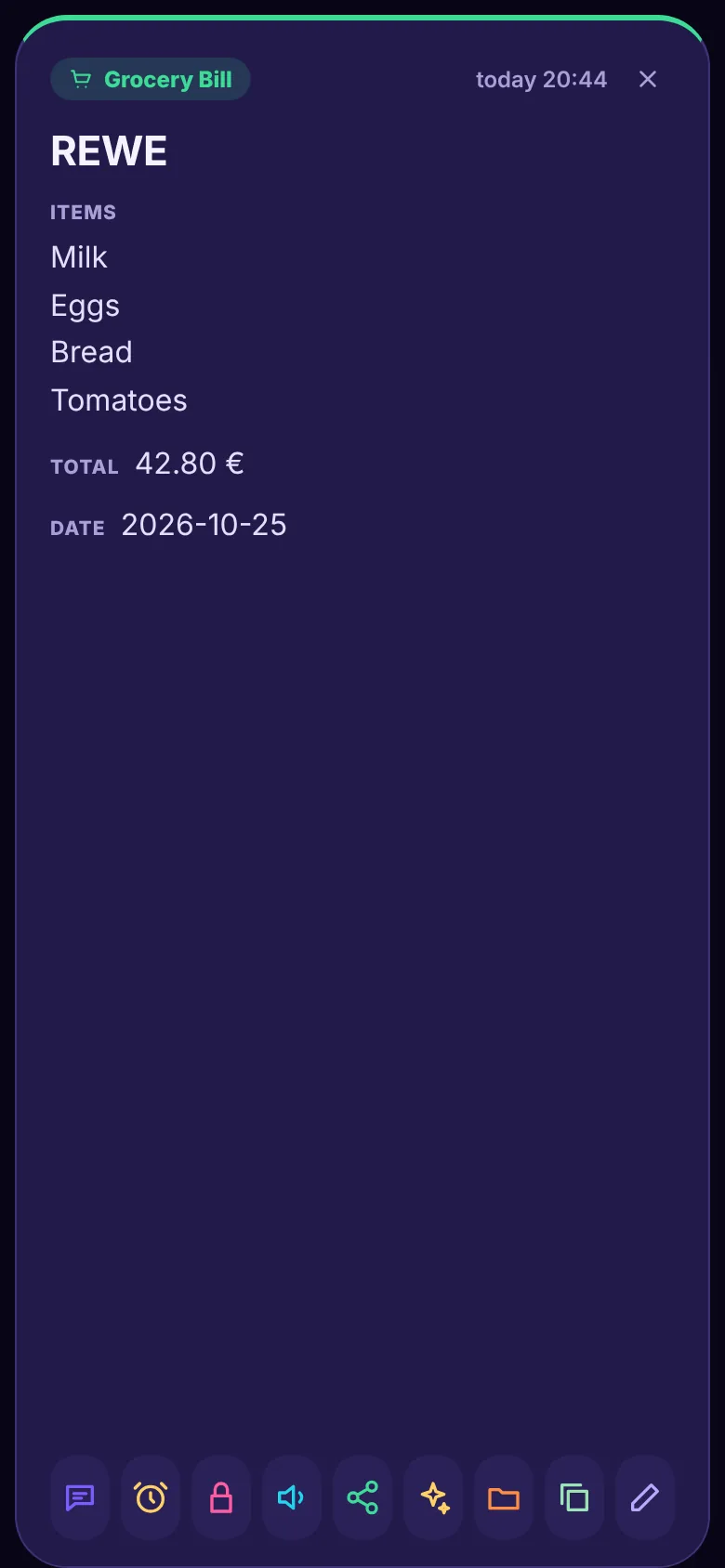
“Spent 42.80 at REWE: milk, eggs, bread.” It becomes a grocery bill with items, total and date, in Groceries.
Talk, type, take a photo or drop in a file. Talk2Note works out what it is, puts it in the right place and finds it again when you ask. Graphs, PDFs, emails, songs, pictures and videos too, all by voice and hands-free if you like.
No sign-up to try. Create an account for the free trial: your notes in the cloud and on all your devices, and what you made before comes along.
Talk2Note couldn't load. Check the connection, then try again.
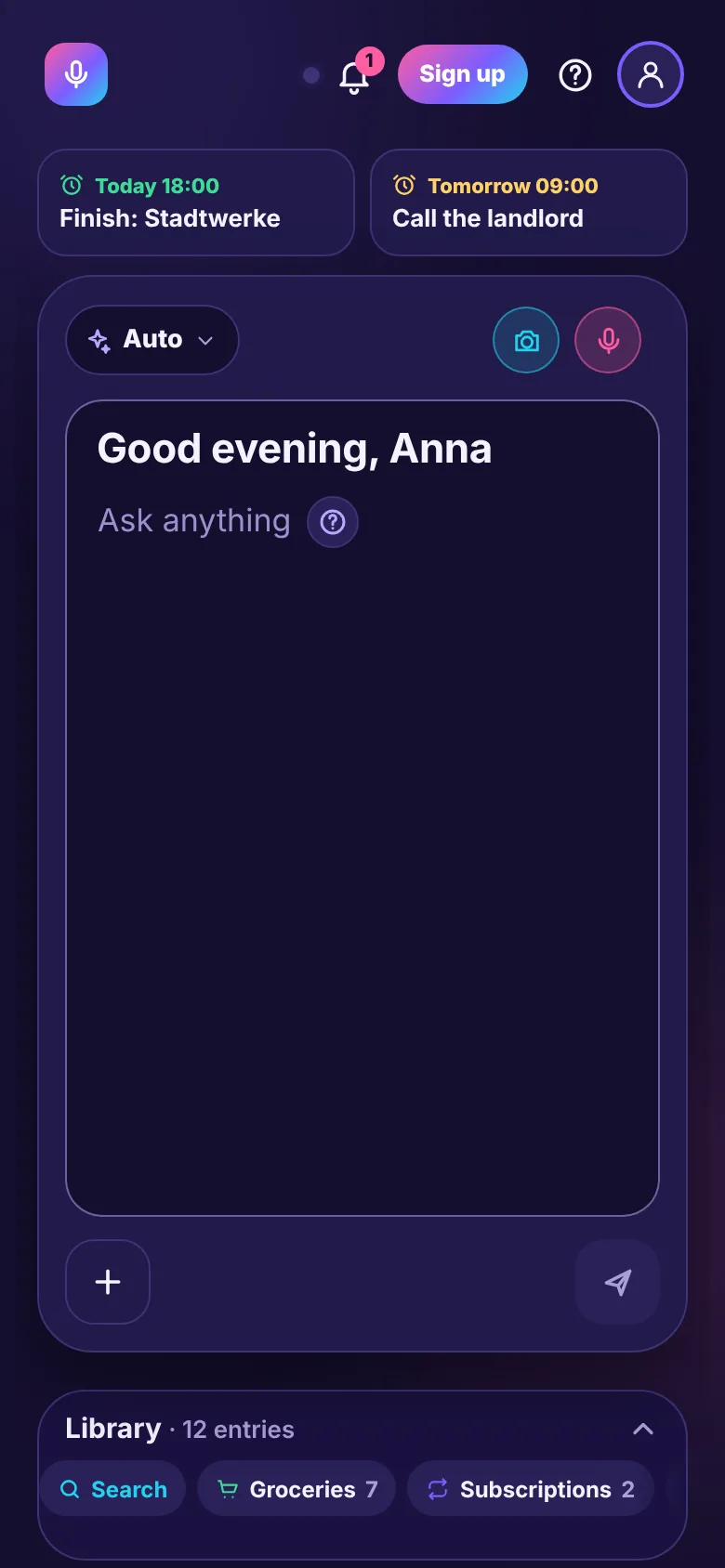
Every slice works by voice. The coloured band shows the AI features that private mode covers: all of them.
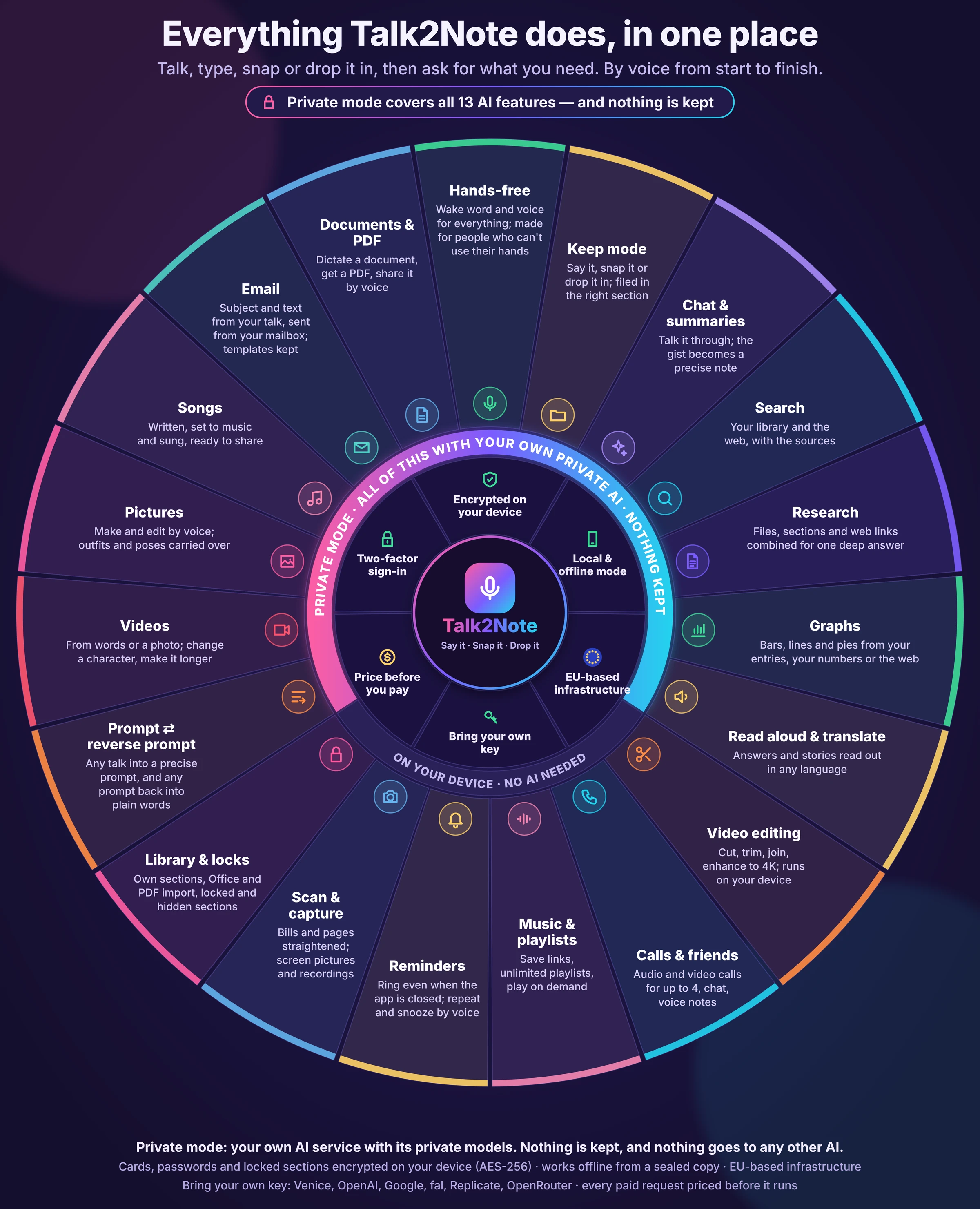
Screens from the app itself, with made-up entries.
“Spent 42.80 at REWE: milk, eggs, bread.” It becomes a grocery bill with items, total and date, in Groceries.

“Graph my grocery spending per month.” Worked out from your own entries, with the ones it used.
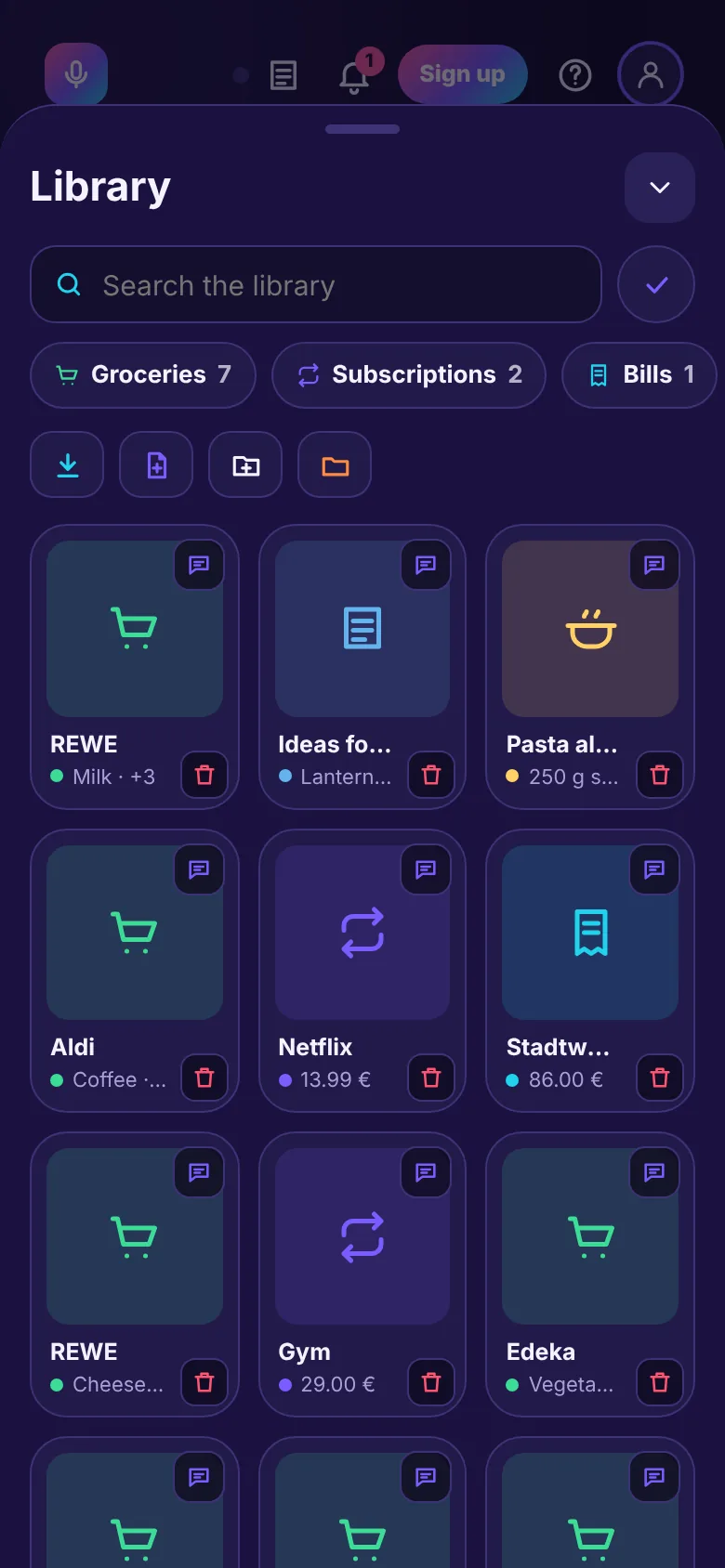
Recipes, bills, subscriptions, songs, videos and sections of your own. Lock any of them with a password.
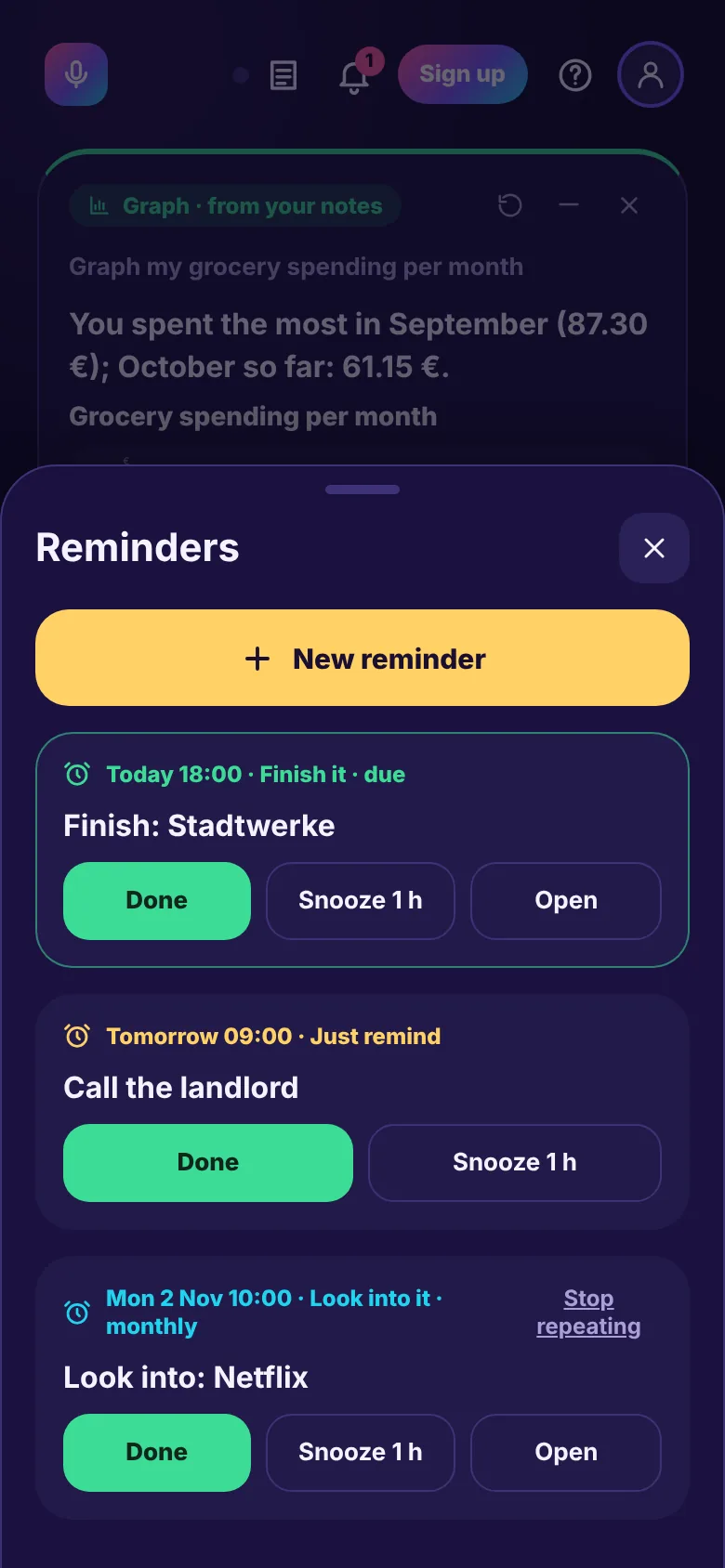
“Remind me tomorrow at 9 to call the landlord.” Done, snoozed or repeated by voice.
Four ways to work, picked for you on Auto: Keep, Chat, Search and Research.
A wake word, then your voice for everything: keeping, asking, calling, playing, sending. Made for people who can't use their hands as well.
Add files, whole sections and web links, then ask once. The answer comes from all of it, with the sources.
Talk a document into shape, turn it into a PDF and share it. Emails get their subject and text from the conversation and go out from your own mailbox.
Turn any note or conversation into a precise prompt for a picture, a video or a chat, and any prompt back into plain words to check it.
Make and change pictures and videos by voice; cut, join and sharpen videos on your device. Songs are written, composed and sung.
Chat, voice messages and audio or video calls for up to four. Save music and video links in unlimited playlists and play them on demand.
Turn on private mode and every AI step goes only to your own AI service, using its private models: writing out what you said, reading photos and files, answering, searching, making pictures, videos and songs, reading aloud.
Nothing is kept there and nothing goes to any other AI. If your service can't do a step privately, Talk2Note tells you and doesn't do it another way.
It opens straight away, with nothing to sign up for. Start the free trial whenever you want your notes on all your devices.